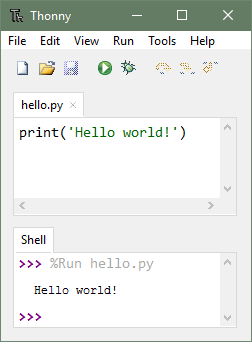
The Thonny IDE
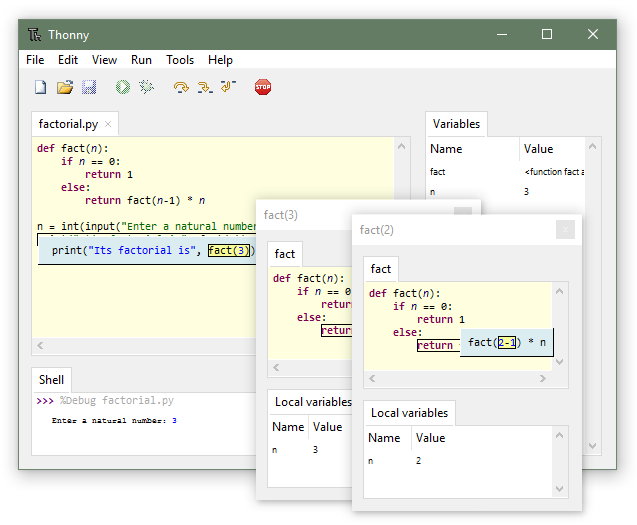
Key features of Thonny
-
Simple User Interface: It has a clean and uncluttered layout making it easy for beginners to navigate without requiring a complex setup.
-
Built-in Python Interpreter: Has Python pre-installed eliminating the need to configure external environments.
-
REPL (Interactive Shell): A Read-Eval-Print Loop (REPL) is an interactive computer programming environment that takes single user inputs, executes them, and returns the result immediately. It provides a conversational interface for testing, debugging, and learning languages like Python. It executes commands instantly making it useful for testing small code snippets
-
MicroPython Support: Thonny allows you to directly connect and program microcontrollers and exchange data with them over the serial port.
Setting up Thonny for microPython
-
Download, install and open the Thonny IDE as you would any other application on your computer.
-
Connect Your Board (currently the Raspberry Pico and the ESP32 are supported) via the appropriate USB cable.
-
Select the appropriate interpreter from the Tools -> Options -> Interpreter menu depending on the connected board.
-
Install Firmware (if needed) by clicking on “Install or update firmware”, selecting device and installing.
-
Write and Save the program.
-
Run the program (the output appears in the shell).